
ESET
We are pleased to inform you that NCSU now provides ESET Antivirus subscriptions to ensure the security of your devices.
Overview
University network is offering ESET Antivirus to enhanced endpoint protection, real-time threat detection, and lighter system resource usage. All university members are highly encouraged to install the latest ESET client to remain compliant with university network security policies.
If you encounter any issues, please don't hesitate to contact us.
1. Step By Step Guide
Prerequisites & Requirements
- Software: Download ESET Antivirus from
- Windows (64-bit) : Download Here
- MacOS : Download Here
- System Clean-up: Uninstall any existing or third-party antivirus software running on your computer to prevent software conflicts.
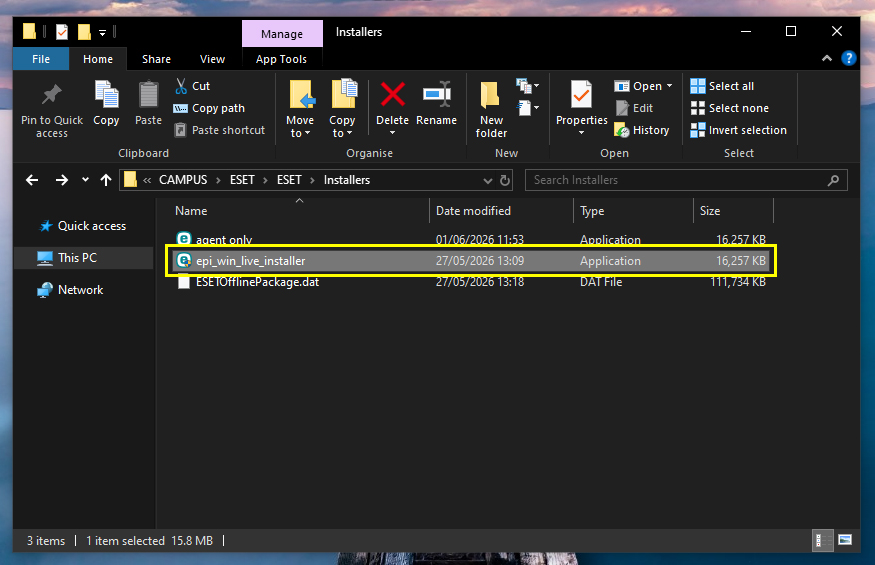
- Locate the downloaded file (.exe) in your downloads folder and double-click to
launch the setup wizard.
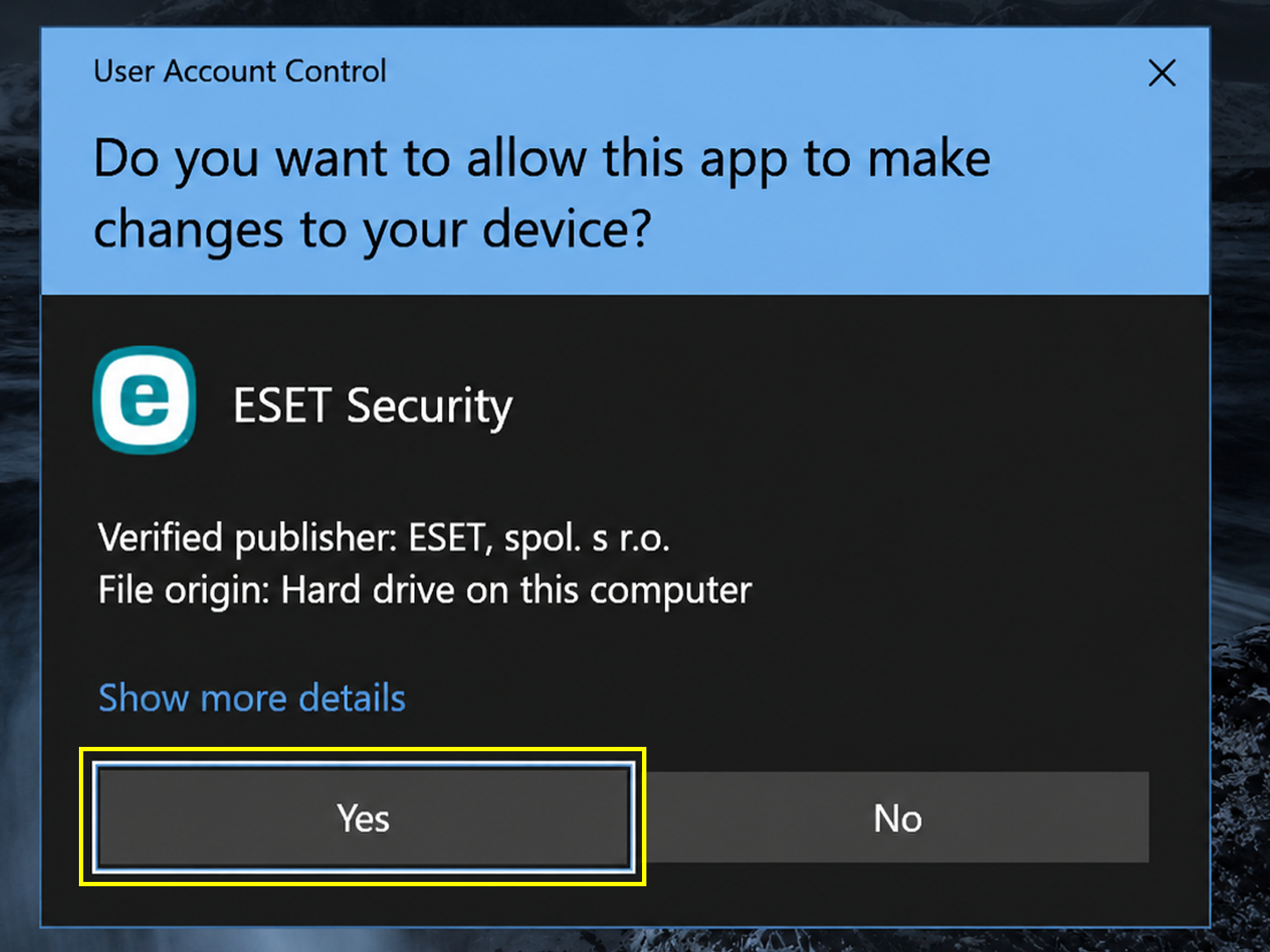
- If prompted by Account Control (UAC),click Yes to allow the installer to
make changes.
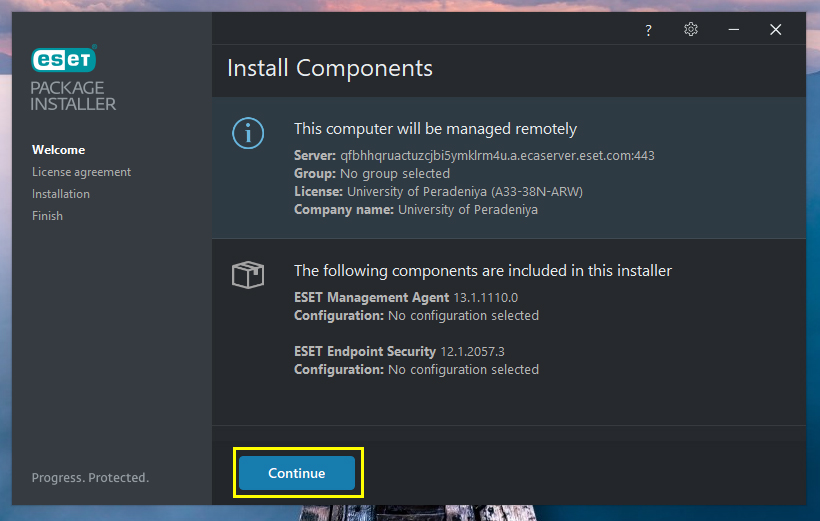
- Click Continue to proceed with the installation.
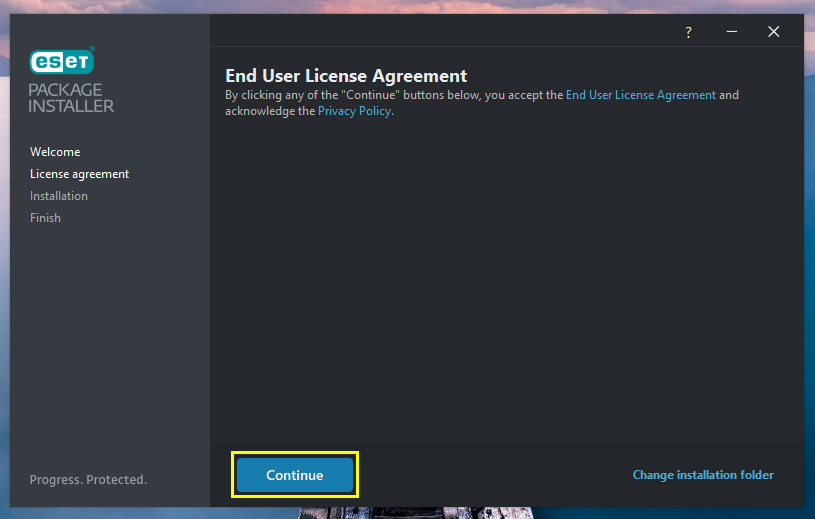
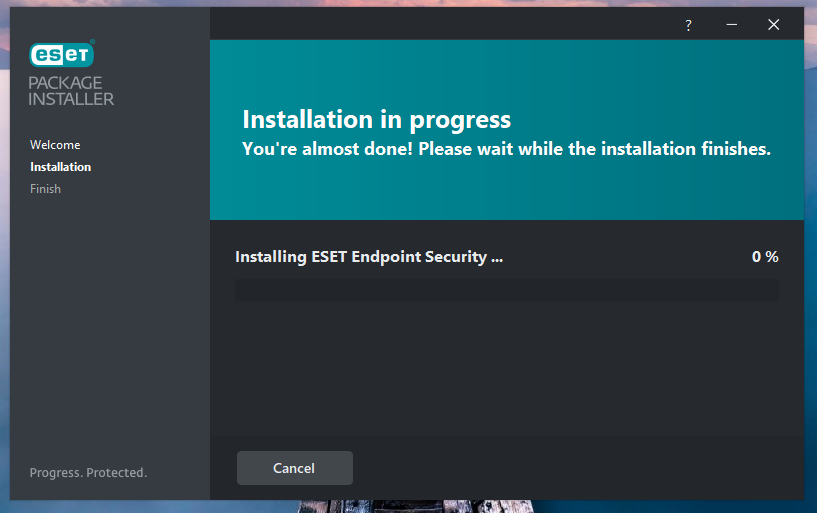
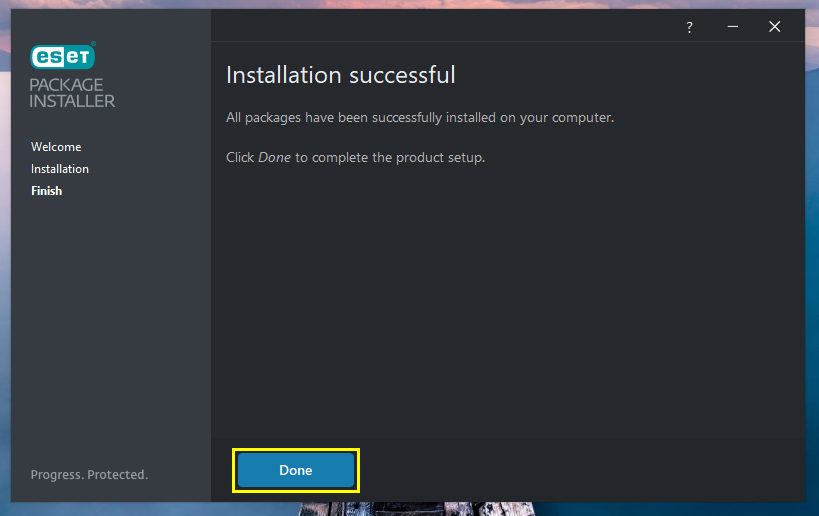
- Now click Done.
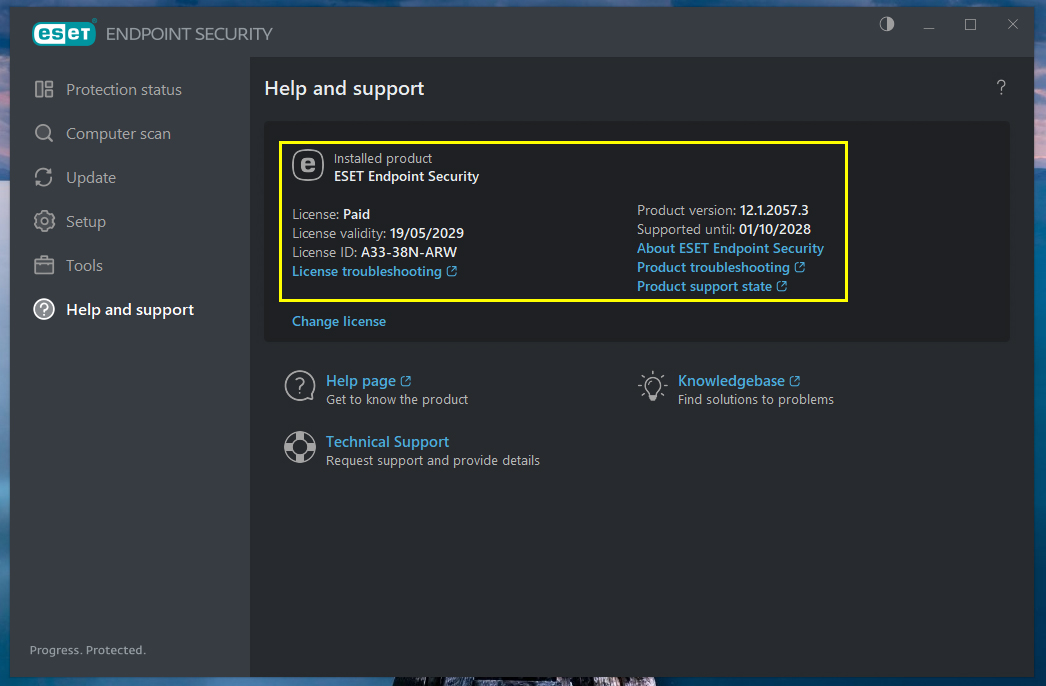
- Check installed ESET Antivirus is activated and running properly.
2. Downloads
Select the appropriate installer for your operating system below:
- ESET for Windows (64-bit) : Download Here
- ESET for macOS : Download Here
3. Important Notice
The antivirus software will be activated automatically only when the computer is connected to the University network, either through a wired connection or University Wi-Fi.
If your department, office, or computer does not have access to the University network, please email noc@pdn.ac.lk with the details below so that we can activate the product manually.
If the computer is not connected to the University network and a manual activation request is not submitted, the antivirus product will not be activated.
Please include the following details in your email:
- Full Name & PF Number / Student ID :
- Designation / Role :
- PC / Computer Name :
- Installation Date :
- University Credentials / Email Address :